
Where do I log in at ProvenExpert?
In the upper right corner of ProvenExpert.com, click Log In. Enter your email address and password there.
Updated on February 12, 20261 min. read
For users with a ProvenExpert profile
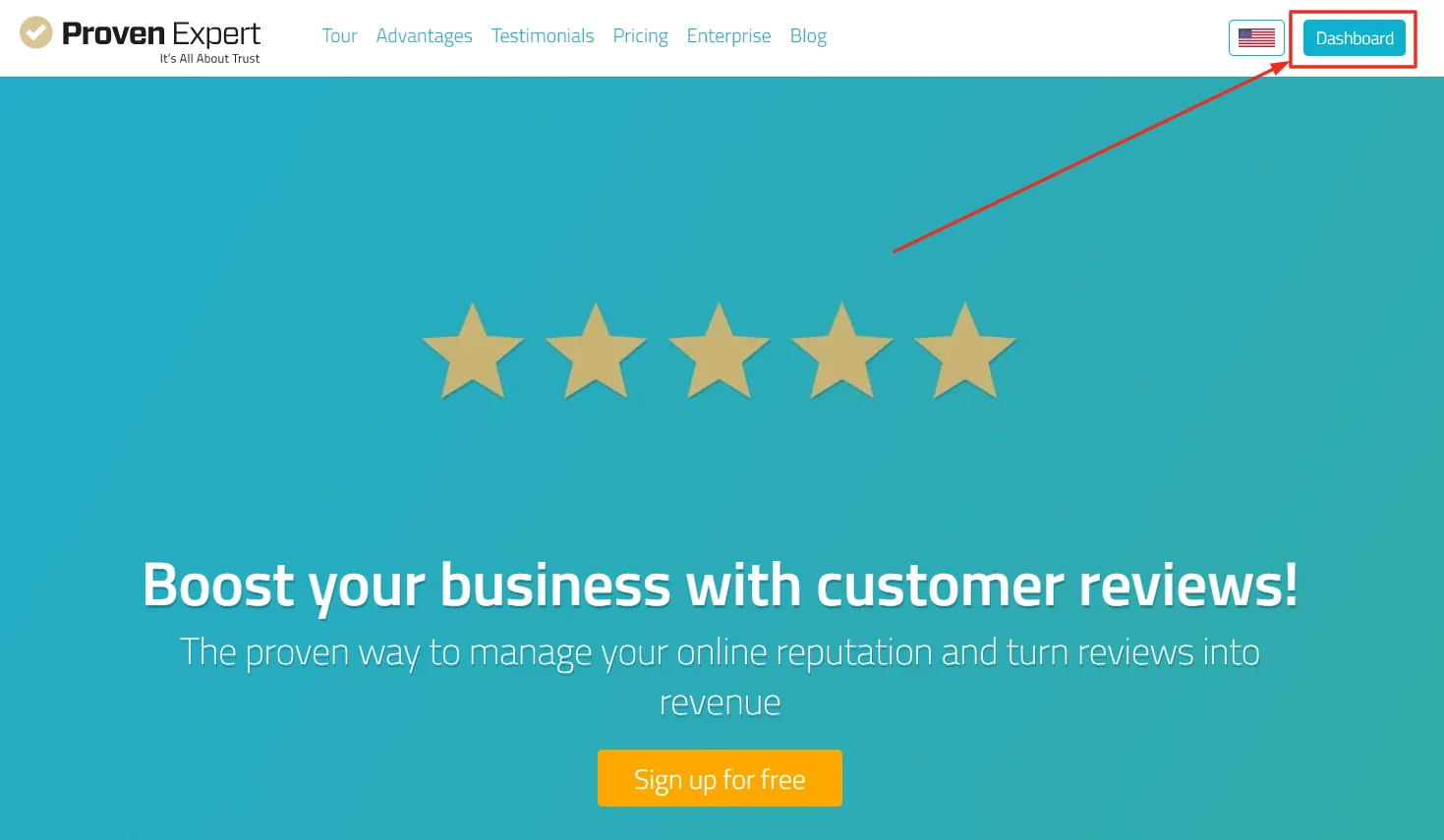
- If you are already logged in, you will see a button with "DASHBOARD" at the top right of provenexpert.com.
- Click on "DASHBOARD" to access your user account.
Not logged in yet?
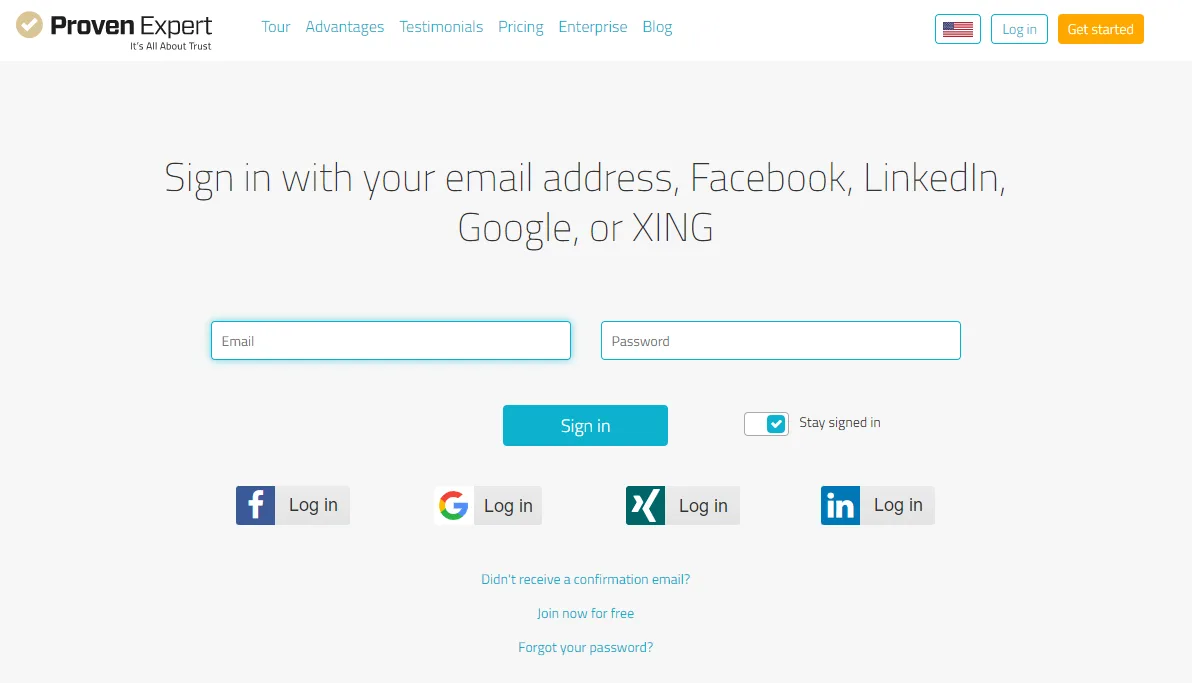
- Click here to log in.
- Enter your email address and password.
OR
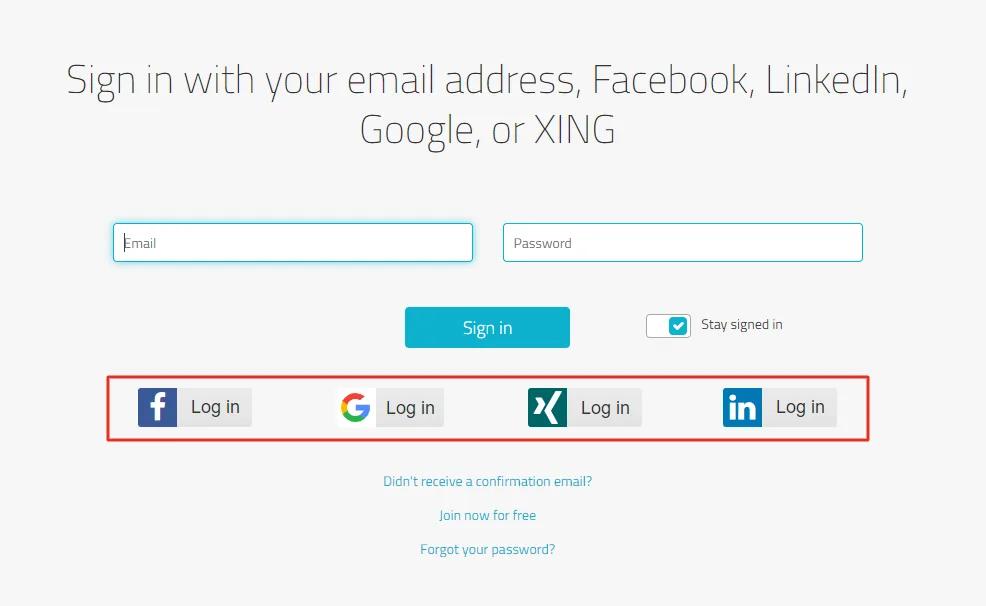
- Go to the Login Page and log in via your social media account, e.g. Facebook, Google, LinkedIn or Xing.
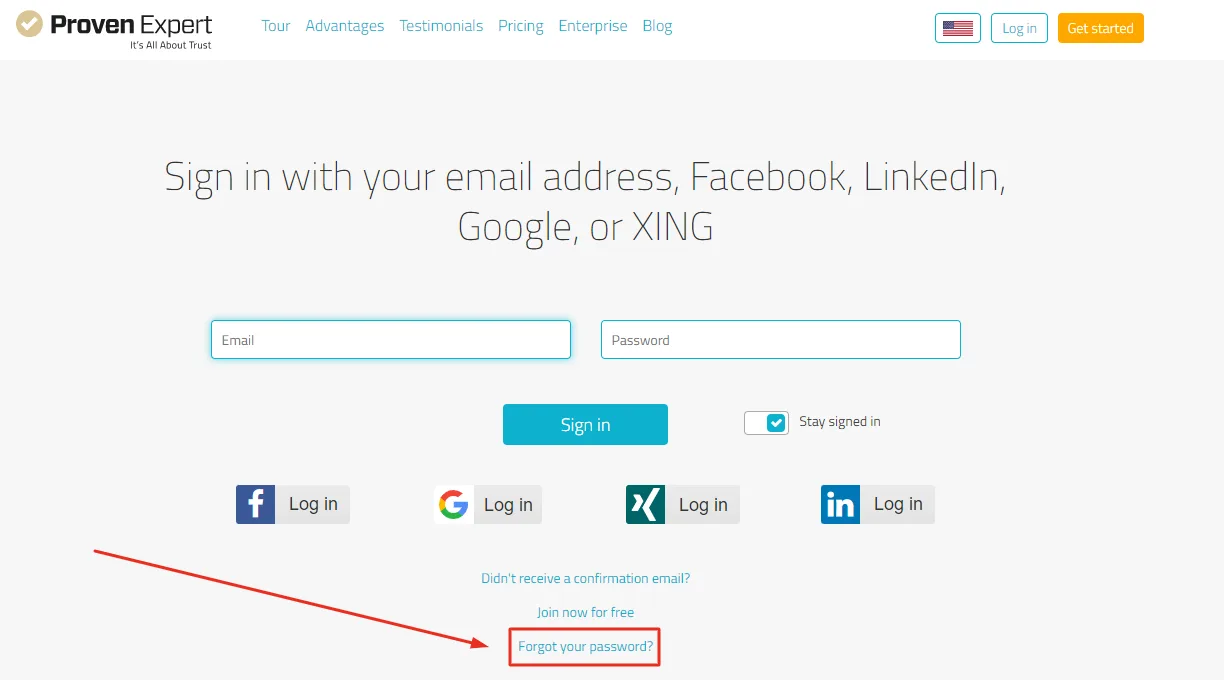
For users without a ProvenExpert profile
Was this article helpful?