
What can I do if no stars are displayed for my website in Google search results?
The Google algorithm decides for which search query the stars are also displayed to the user.
Updated on February 12, 20261 min. read
The site query
- Check if the stars can be displayed in the search results by doing a site query on Google.
- To do this, enter the URL you want to check into the Google search bar in the following format: site:URL
Example:
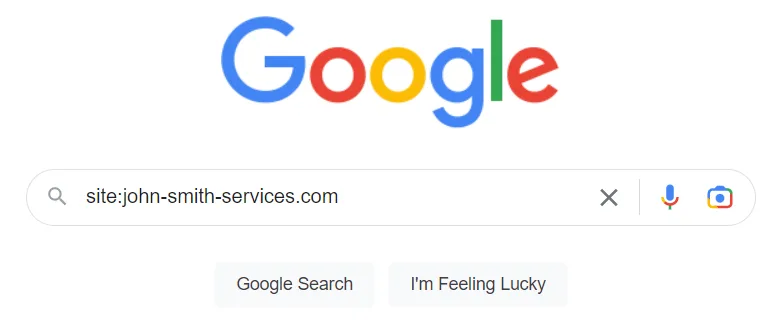
- When you submit the site query and the stars are displayed, the search results may look like this:

Google's Testing Tool
- If the site query does not show any stars, you can use Google's Testing Tool to check if there are embedding-related conflicts. You can find detailed instructions on how to do this here: How do I determine whether the Google Stars are correctly integrated on the website?
Check integration
- Check whether the rich snippet is correctly embedded- i.e. on all pages for which stars should appear in the search results (you can find the instructions here: Include Google Stars)
Was this article helpful?