
My desired rating platform is currently not supported by ProvenExpert. What can I do?
In your profile, go to the Reviews from other sources section and then paste the URL from the profile of the new review source
Updated on February 12, 20261 min. read
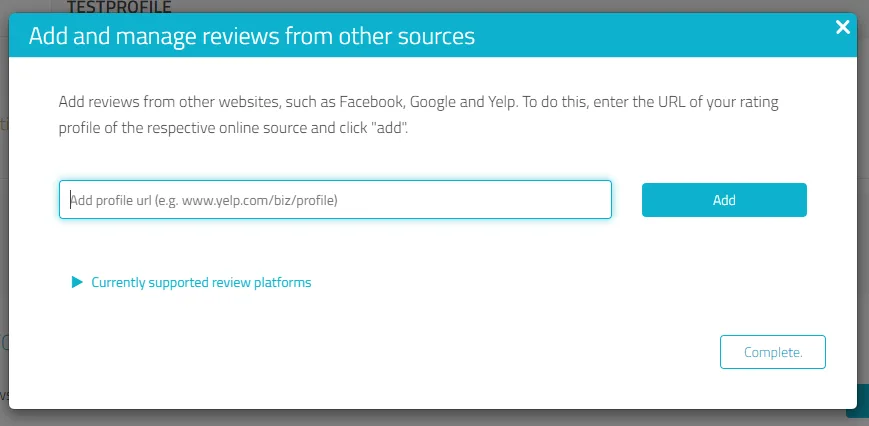
- In your profile in edit mode, go down to the section Reviews from other sources and click on Add source.

- Then paste the URL from the profile of the new review source and click Add.
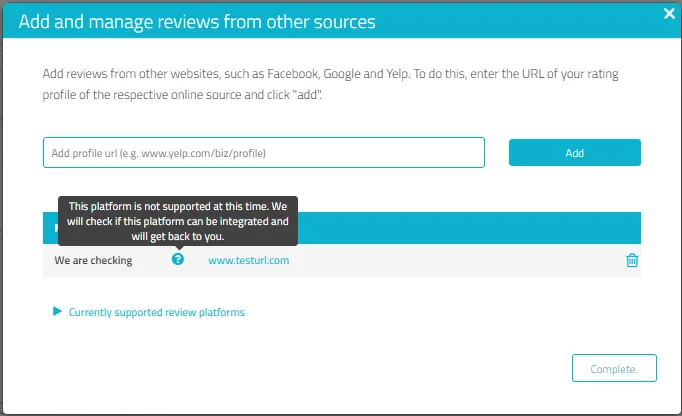
- We will then check that this new source meets our quality standards and notify you once added.
Was this article helpful?