
Where can I see how much commission I have already achieved as a ProvenExpert affiliate?
Go to menu item Affiliate Program, here you will find your personal registration links and an overview of users who registered with your links
Updated on February 12, 20261 min. read
- Go to the Affiliate Program in your ProvenExpert account and there you will find your personal registration links.
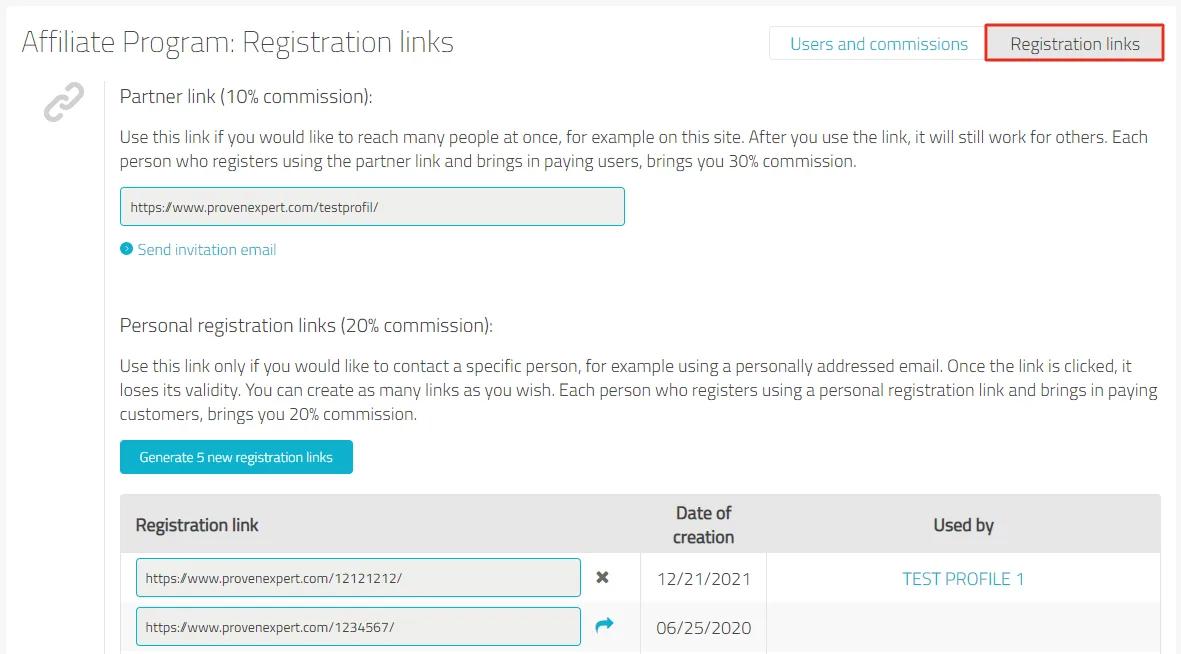
- An overview of registered users about your partner and registration links, as well as commissions received are also listed here for you.
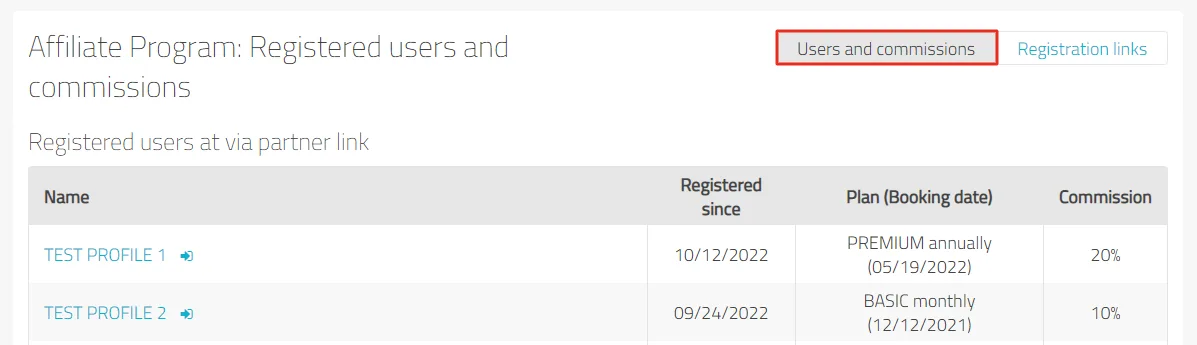
- You can find an overview of all your commissions further below on the page:

Was this article helpful?