
How can I share my ProvenExpert profile?
Share your ProvenExpert profile to boost your online reputation and build trust with potential customers.
Updated on February 12, 20262 min. read
- To share your profile, first log in to ProvenExpert and go to your profile.
- Click on "Share profile" under your profile picture.
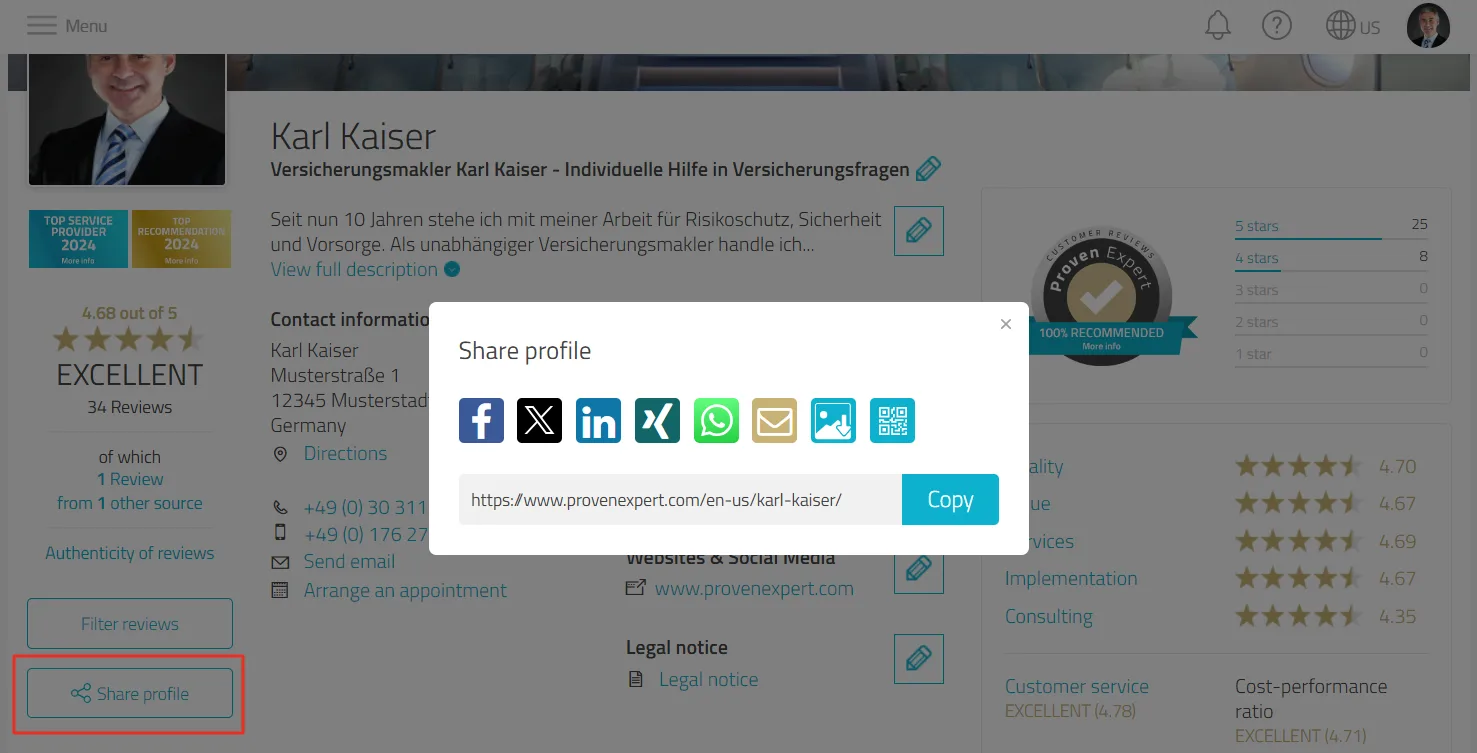
- A window will then open with a list of various options that can be used to share your profile link directly. You have the choice between:
- Social media: Facebook and X
- Professional networks: LinkedIn and Xing
- Communication media: WhatsApp and email
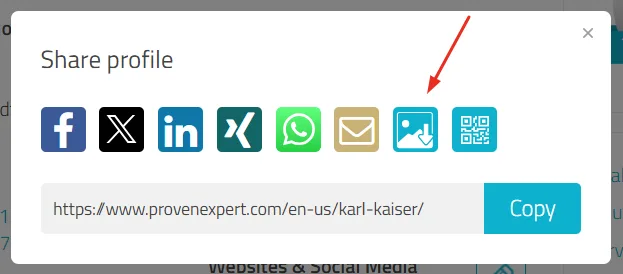
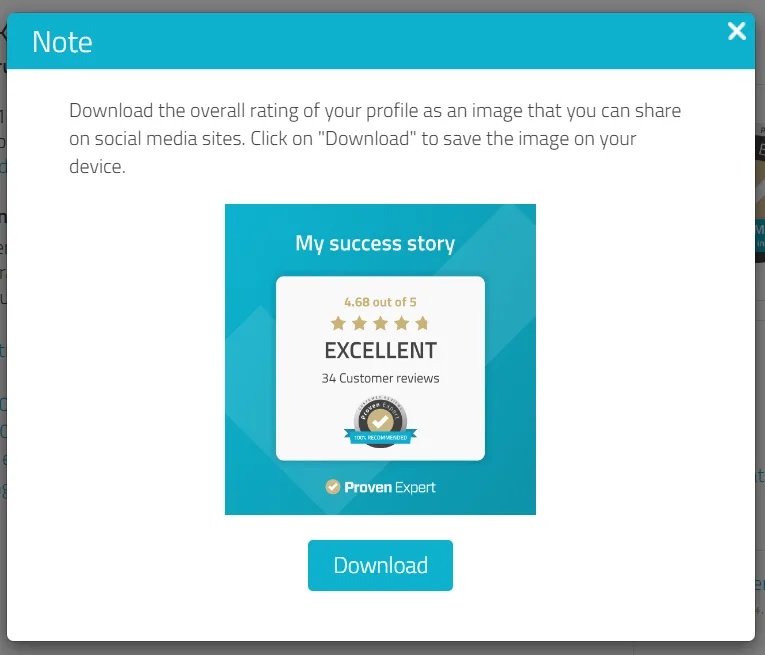
- Download image: You can also download your profile as a classic image, which you can share on social media. Just click on the image download icon and then on "Download".
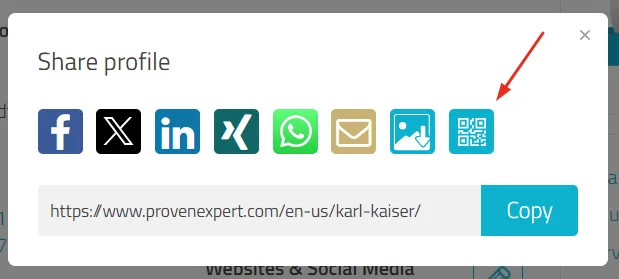
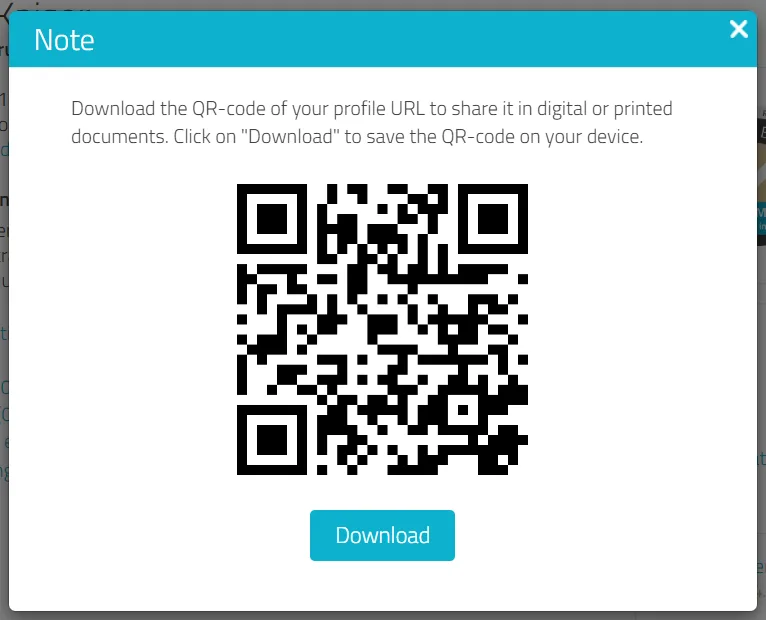
- QR code: Download the QR code of your profile link to use it digitally or in printed documents. Just click on the QR code download icon and then on "Download".
- As soon as you select a medium via which you want to share your profile, a new window will open. You can use this to log in to the selected medium and share your profile.
Was this article helpful?