-
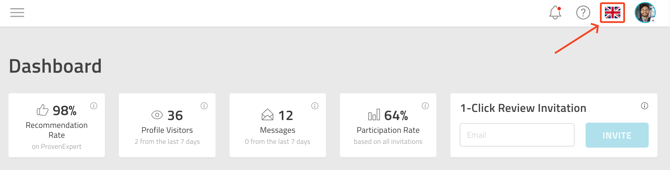
Go to your dashboard in ProvenExpert.
-
Click on the flag icon, which represents the current language of your profile.
-
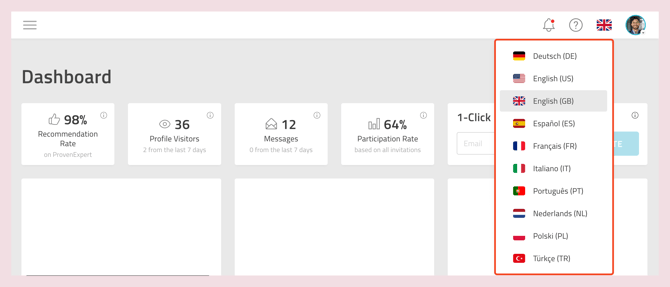
Select your preferred language from the drop-down list.
Once selected, both you and your customers will see your profile content in the chosen language.