
How do I unsubscribe from ProvenExpert newsletters and reports?
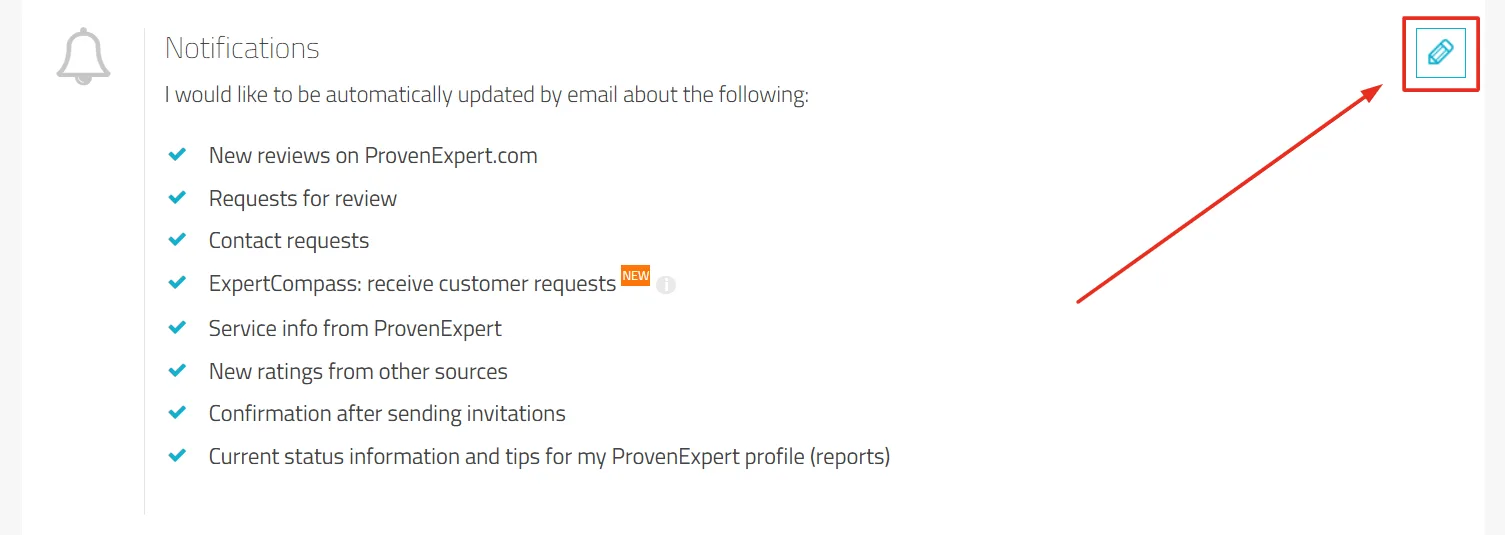
In your profile settings go to the notification section. There you can select your preferences and confirm them with Save.
Updated on February 12, 20261 min. read
- In your profile, go to Administration > Settings.
- In the Notifications section you can select your preferences and confirm them with Save.
- Alternatively, you can unsubscribe from e-mails via the link in the e-mail signature.
Was this article helpful?